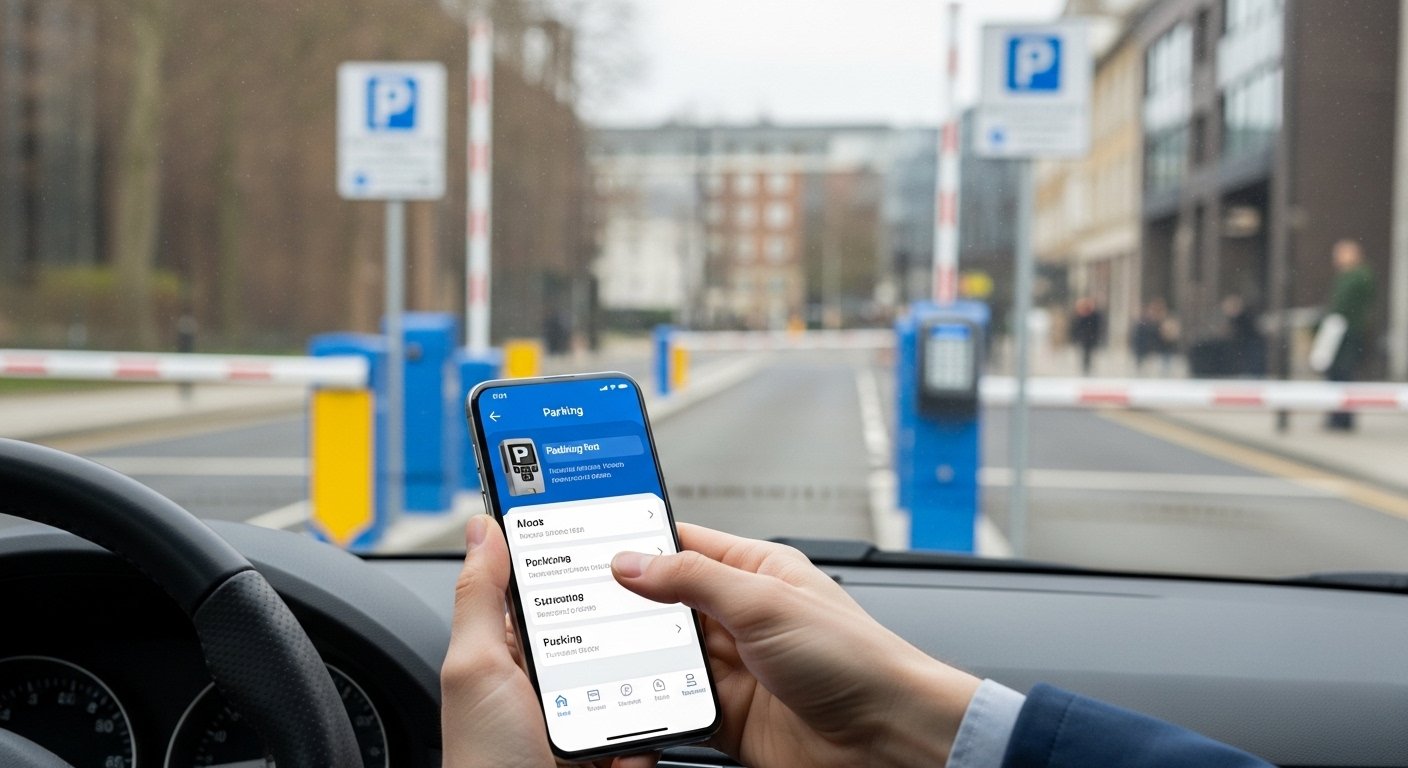
Life gets busy, and hunting for parking can add extra stress to your day. In 2026, the NCP app makes things much simpler for anyone who drives in the UK. This handy tool helps you pay for parking without tickets or long queues at machines. Many people now use it for quick trips to the city, airport runs, or regular work commutes.
Also, the app brings everything together in one place. You can handle pay-as-you-go parking and even manage season tickets. This guide walks you through everything in simple steps. You will learn how to download it, find possible discounts, understand reviews, and fix common problems. By the end, you will feel confident using the NCP app like a pro.
What Is the NCP App and Why Does It Matter in 2026?
The NCP app comes from National Car Parks. It lets you park and pay at hundreds of locations across the UK. Over 370 car parks support ticketless pay-as-you-go parking right now. In addition, you can buy and manage digital season tickets inside the same app.
That’s why so many drivers love it. No more feeding coins into machines or worrying about paper tickets that blow away. After that, everything happens through your phone. You just open the app, choose your time, and pay safely.
In 2026, the app feels smoother than before. Updates have made loading faster and navigation easier. For example, many users notice quicker maps and clearer buttons. This means less frustration when you are in a hurry. Students rushing to class, teachers heading to meetings, or small business owners making deliveries all benefit from these improvements.
Another thing is the focus on convenience. The app works at barrier car parks and open pay-and-display spots. You download it once, set up your details, and you are ready for most NCP locations.
How to Download the NCP App Safely
Getting started takes just a few minutes. First, grab your phone and head to the official store. For Android users, open the Google Play Store. iPhone owners should use the Apple App Store. Search for “NCP” by National Car Parks Limited.
Next, check the developer name carefully before you tap install. The app is free to download. Make sure your device runs Android 5 or higher, or iOS 14 and above. This keeps everything running well.
After the download finishes, open the app. You will need to create an account. Enter your email, set a password, and add your payment details. Many people use Apple Pay or a saved card for speed. That’s why setup feels quick once you get going.
Pro tip for beginners: Do this at home before you drive anywhere. This way, you avoid rushing in the car park. Over time, the app remembers your info, so future visits go even faster.
How Does the NCP App Work? A Simple Breakdown
Understanding the basics helps you feel relaxed when you use it. The NCP app offers two main ways to park.
For ticketless pay-as-you-go, you park your car and open the app. Select the car park from the map or search by name. Choose how long you want to stay, then press pay now. Your session starts right away. No paper ticket needed.
At barrier car parks, you often scan a QR code shown in the app when you enter and exit. The gate opens, and payment happens automatically when you leave. This process saves time because you skip the payment machines.
For pay-and-display spots without barriers, you still select the location in the app and pay for your chosen time. The app keeps a digital record of your session.
Season tickets work differently but stay simple. You buy a monthly, quarterly, or yearly pass inside the app. After that, you access the car park using the same QR code or your vehicle details. One single code covers all your products, which feels neat and organized.
In 2026, the app sends push notifications when your time is almost up. This gentle reminder helps you avoid extra charges. You can extend your parking with just a few taps from anywhere.
Think of it like this: The NCP app is like having a friendly parking assistant in your pocket. It handles the details so you can focus on your day.
Step-by-Step: How to Use the NCP App for Your First Time
Let’s walk through a real example together. Imagine you drive into town for shopping on a busy Saturday.
- Park your car in an NCP spot.
- Open the NCP app on your phone.
- Allow location access if it asks – this helps the map find nearby car parks.
- Select the right location from the list or map.
- Pick your parking duration, like two hours.
- Review the cost and tap “Pay Now.”
- Your session begins, and you get a confirmation.
When you return, the app shows your active session. If you need more time, tap extend and add another hour. Simple, right?
For season ticket users, the process is even easier. Buy your pass once, and the app handles access automatically at your chosen sites.
Many beginners worry about mistakes. One common example is forgetting to start the session before leaving the car. Always pay first. Another thing is checking the exact car park name, because similar names can appear on the map.
Finding Discounts and Promo Codes in the NCP App
Everyone likes to save money on parking. The NCP app sometimes offers lower rates than paying at the machine. This “app rate” can help your budget over time.
Promo codes pop up for special events or locations. Check the app’s promotions section or your account profile after you log in. Some users find codes for airports or city centres during quiet periods.
Season tickets give the best value for frequent parkers. For example, a monthly pass often costs less per day than single sessions. Small business owners who visit clients regularly notice big savings here.
In 2026, keep an eye on in-app offers. They change from time to time, so opening the app before you travel is a smart habit. That’s why regular users often spend less than occasional visitors.
Remember, discounts work best when you plan ahead. Download the app early and explore the options.
NCP App Reviews: What Real Users Say in 2026
People share honest feedback on app stores and forums. Many give positive notes about ease of use. One driver said the QR scanning worked smoothly at a busy London car park. Another liked the quick notifications that saved them from a fine.
Ratings sit around 4.3 to 4.5 stars on major stores. Users praise the combined season ticket and pay-as-you-go features. In addition, the in-app chat for support feels helpful when questions come up.
Of course, not every experience is perfect. Some mention occasional loading delays during peak hours. Others wish for more payment options in certain spots. Overall, reviews show the app has improved with recent updates.
For students and teachers, the simplicity stands out. They can pay quickly between classes without stress. Small businesses appreciate the record-keeping for expenses too.
Honest tip: Read recent reviews from your local area. Experiences can vary slightly by car park technology.
Setting Up AutoPay for Even More Convenience
AutoPay takes things to the next level. You add your vehicle registration number in the app. At selected sites, the system recognizes your car automatically. Payment happens without scanning or tapping.
This works great for regular commuters. You drive in, park, and leave. The app handles the rest. No more worrying about starting sessions manually.
In 2026, AutoPay covers more locations than before. Set it up once in your account settings. After that, it runs in the background.
Think of AutoPay like cruise control for parking. It keeps everything moving smoothly so you stay focused on the road.
How to Extend Parking with the NCP App
Running out of time happens to everyone. The NCP app makes extending easy. A push notification arrives a few minutes before your session ends. Open the app, tap extend, and choose extra time.
You can do this from anywhere – your meeting, the shops, or even while walking back. Payment updates right away. This feature has saved many people from penalty charges.
For longer stays, check the maximum time allowed at that car park. The app shows clear details so you plan better.
Common NCP App Not Working Issues and Easy Fixes
Sometimes technology hiccups appear. If the NCP app not working, try these simple steps in order.
First, close the app completely and reopen it. This refreshes everything. Next, check your internet connection. A weak signal can cause loading problems.
Update the app in your store if a new version is available. Developers release fixes for speed and reliability in 2026. Clear the app cache in your phone settings if issues continue.
Another common fix is restarting your phone. This solves many glitches. Make sure your payment details are correct and not expired.
If you still face trouble, use the in-app chat to contact support. They respond quickly and guide you through specific car park problems.
For example, one user had scanning issues at a barrier site. After a quick update and restart, everything worked fine. Most problems have straightforward solutions.
Is the NCP App Legit? Honest Thoughts

The NCP app comes from a well-known UK parking company with many car parks nationwide. It uses standard security for payments and data. Millions of sessions happen through the app each year.
User reviews and official updates show it operates as described. Always download from official app stores. This keeps you safe from fake versions.
Like any tool, use it responsibly. Check your session details before you leave the car park.
Unique Ways People Use the NCP App in 2026
Beginners often stick to basic pay-as-you-go. Yet the app supports creative uses too.
Students use it for campus visits or part-time jobs. They save time between lectures. Teachers appreciate quick payments during parent meetings or training days.
Small business owners track parking as a business expense. The app keeps clear records. Families on day trips extend time easily when fun runs longer than planned.
One nice analogy: Using the NCP app feels like having a universal parking key. It opens many doors without extra keys or fuss.
In 2026, improved maps and faster performance help everyone, especially in busy cities.
Tips to Avoid Beginner Mistakes
Many new users forget to enable notifications. This means they miss extension reminders. Turn them on in your phone settings right after setup.
Another mistake is parking first and then trying to pay. At barrier sites, set up your account beforehand. For open sites, pay immediately after parking.
Double-check your vehicle registration if you use AutoPay. A small typing error can cause issues.
Also, read the car park rules shown in the app. Some spots have height limits or special hours.
Take it slow on your first few uses. Practice at a quiet location. Over time, it becomes second nature.
FAQ About the NCP App
How do I download the NCP app?
Go to the Google Play Store or Apple App Store and search for NCP by National Car Parks. Install the free app from the official developer.
Does the NCP app have promo codes or discounts?
Yes, lower app rates often apply. Check the promotions area in your account for current offers and season ticket savings.
How does AutoPay work in the NCP app?
Add your vehicle registration in settings. At supported sites, payment happens automatically when you leave.
What should I do if the NCP app is not working?
Update the app, restart your phone, check your connection, or use in-app support chat for help.
Can I extend my parking session?
Yes. You get a notification near the end. Tap extend inside the app and add more time.
Is the NCP app safe and legit?
It comes from an established parking operator and uses standard security. Download only from official stores.
Do I need the app before entering the car park?
For barrier sites, yes. For many open sites, you can set it up after parking but starting early works better.
Wrapping Up Your NCP App Journey
The NCP app brings real ease to parking in 2026. From quick downloads to smooth AutoPay and easy extensions, it handles the details so you don’t have to. Whether you are a student, teacher, business owner, or weekend driver, the steps stay simple once you try them.
Start small. Download the app today and test it on your next trip. You will likely wonder how you managed without it. Parking no longer needs to steal your time or peace of mind.
Drive safely, and enjoy smoother days ahead.
Disclaimer:
This article is for informational and educational purposes only. The information is based on 2026 trends and publicly available details about the NCP app. Technology and services change quickly, so always verify the latest features, pricing, discounts, and instructions directly from the official NCP website and app stores. This article does not endorse or promote any specific tool, service, or company. Readers should respect all copyright, terms of service, and parking regulations in their area.
Explore More
- What Is Snapjotz Com? Full Details, Uses & Benefits Explained
- Navigating in the Dark: Spot vs Flood vs Combo Lights
- IG Golf App Guide 2026: Free Download for Android, Update, Not Working Fix & Explained
About the Author


John Giddings is an expert in app reviews and guides, helping parents and families understand and use digital tools easily. He writes clear, step-by-step articles on apps like ParentPay, showing how to make payments, stay organized, and get the most out of technology. John’s goal is to make complicated apps simple and safe for everyone to use.